Ask clearly, never assume
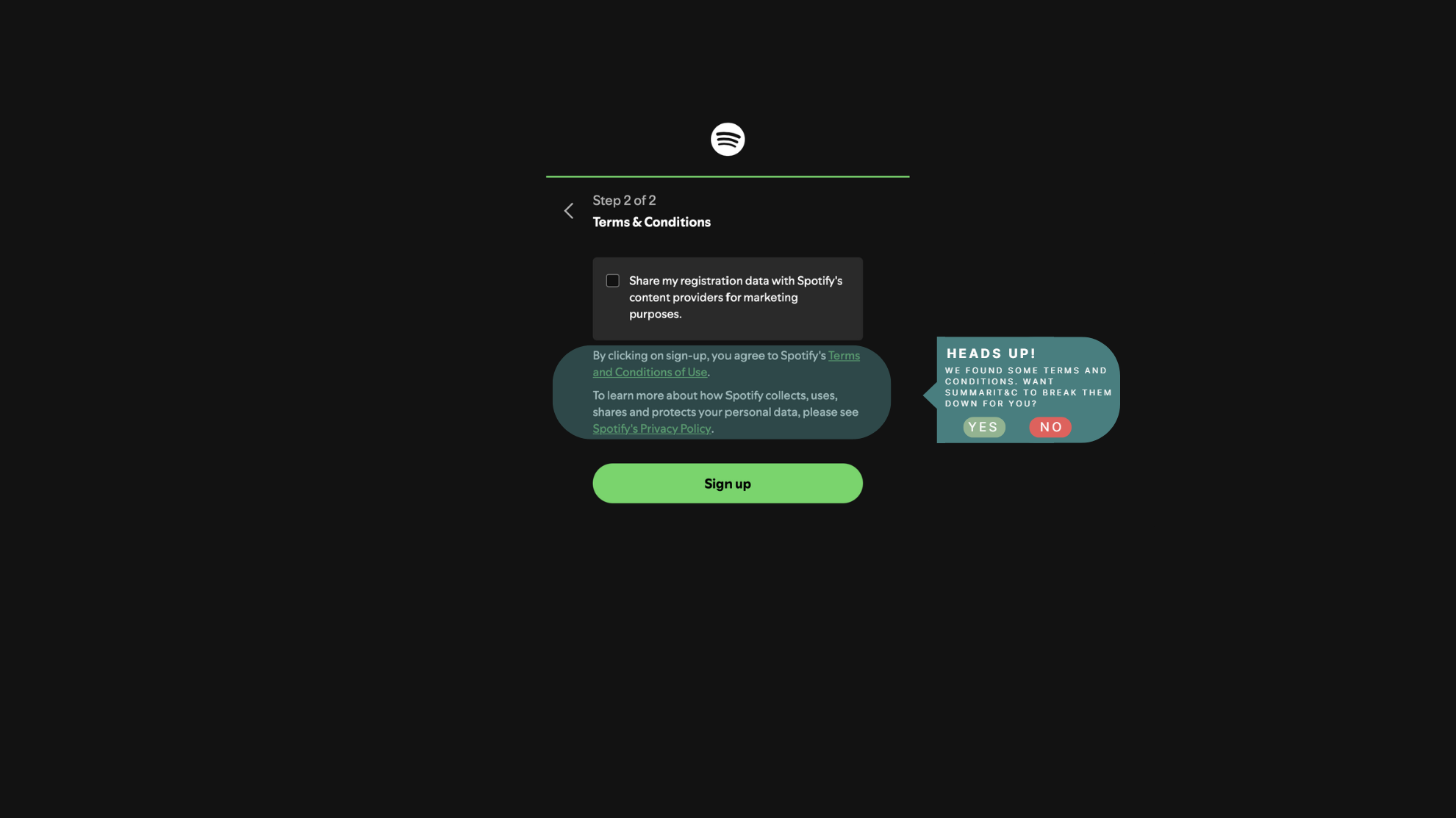
The prompt now names exactly what it found and what will happen next. Terms and the privacy policy each get their own marker, so people choose what to scan.
Case Study · Chrome Extension
A Chrome extension that spots terms and conditions while you browse, translates them into plain language, and shows you what deserves a second look, right at the moment before you click “I agree.”
01 · The problem
Terms and conditions are long, dense, and written by lawyers for lawyers. So people skip them, and without knowing it they agree to things like subscriptions that renew forever, their data being shared for marketing, or giving up the right to take a company to court.
I noticed that a lot of people almost never read terms and conditions, and are unaware of what they’re truly signing up for. My research backed that up.
of people accept legal terms and conditions without reading them. For 18 to 34 year olds, it’s 97%. Source: Deloitte, 2017 Global Mobile Consumer Survey (US)
How might we help people understand what they’re agreeing to, in the moment they agree, without asking them to read pages of legal text?
02 · Where it started
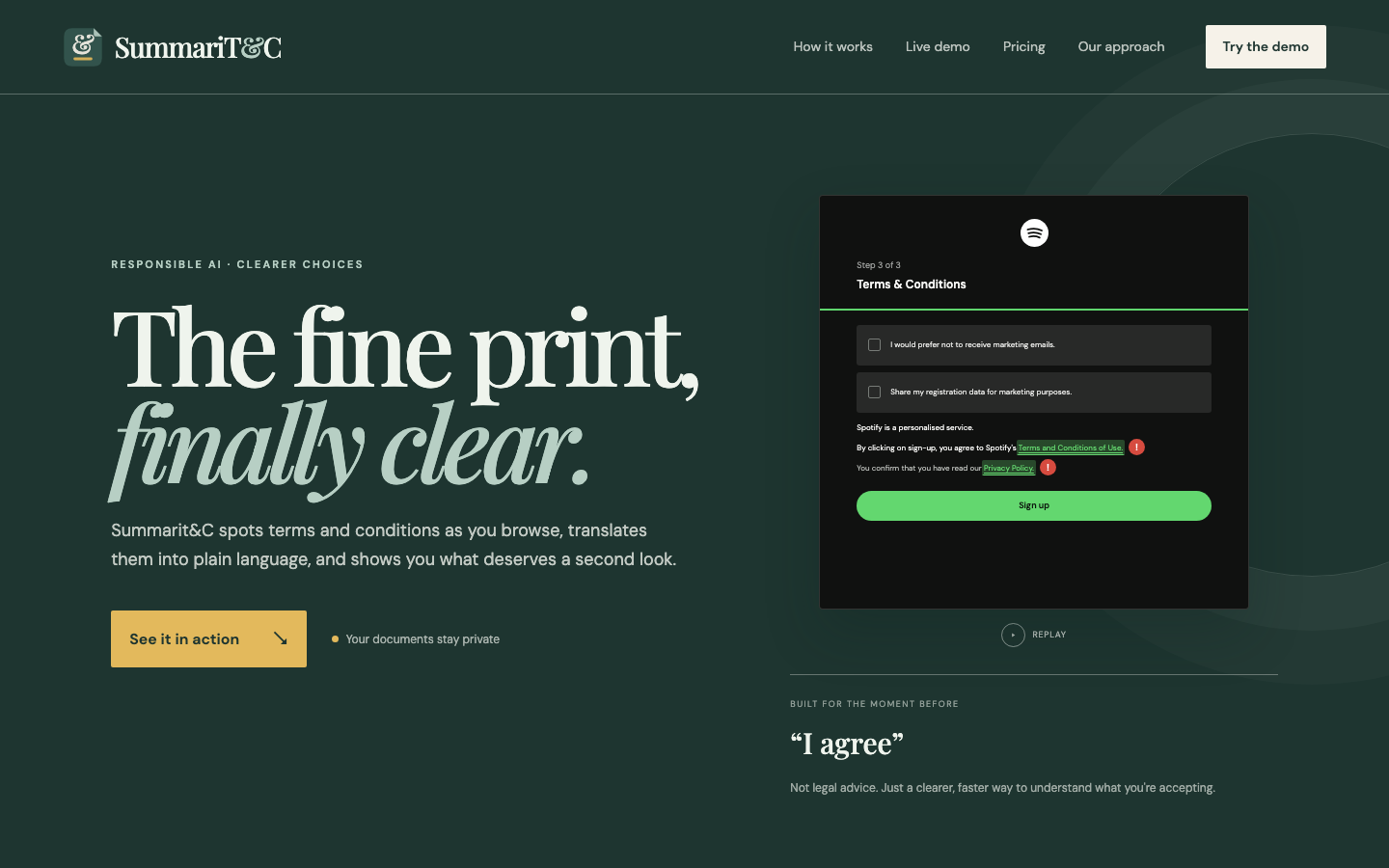
I first designed SummariT&C in 2023. The core idea was there from day one: don’t make people go somewhere else to understand the terms. Meet them on the sign-up page, at the exact moment they’re about to agree.
03 · The redesign
In Fall 2026 I brought SummariT&C back as my Digital Disruption & Innovation project and redesigned it around one question: what would make someone actually trust an AI summary of a legal document?
The prompt now names exactly what it found and what will happen next. Terms and the privacy policy each get their own marker, so people choose what to scan.
A summary still asks people to read and judge. A 0 to 100% risk score with a verdict like “Needs review” answers the real question first: should I worry about this? A short note explains the scale, so the number never feels like a black box.
People shouldn’t have to blindly trust AI with legal decisions. Tapping a flagged risk, like auto-renewal, scrolls to that exact clause in the real terms and highlights it. It works the other way too: clicking a flagged clause opens its explanation.
Each risk has an “Explain it casually” button that opens a chat and explains the clause like a friend would. Suggested questions such as “Can I get a refund?” help people who don’t know what to ask, and every answer offers “Show me in the terms.”
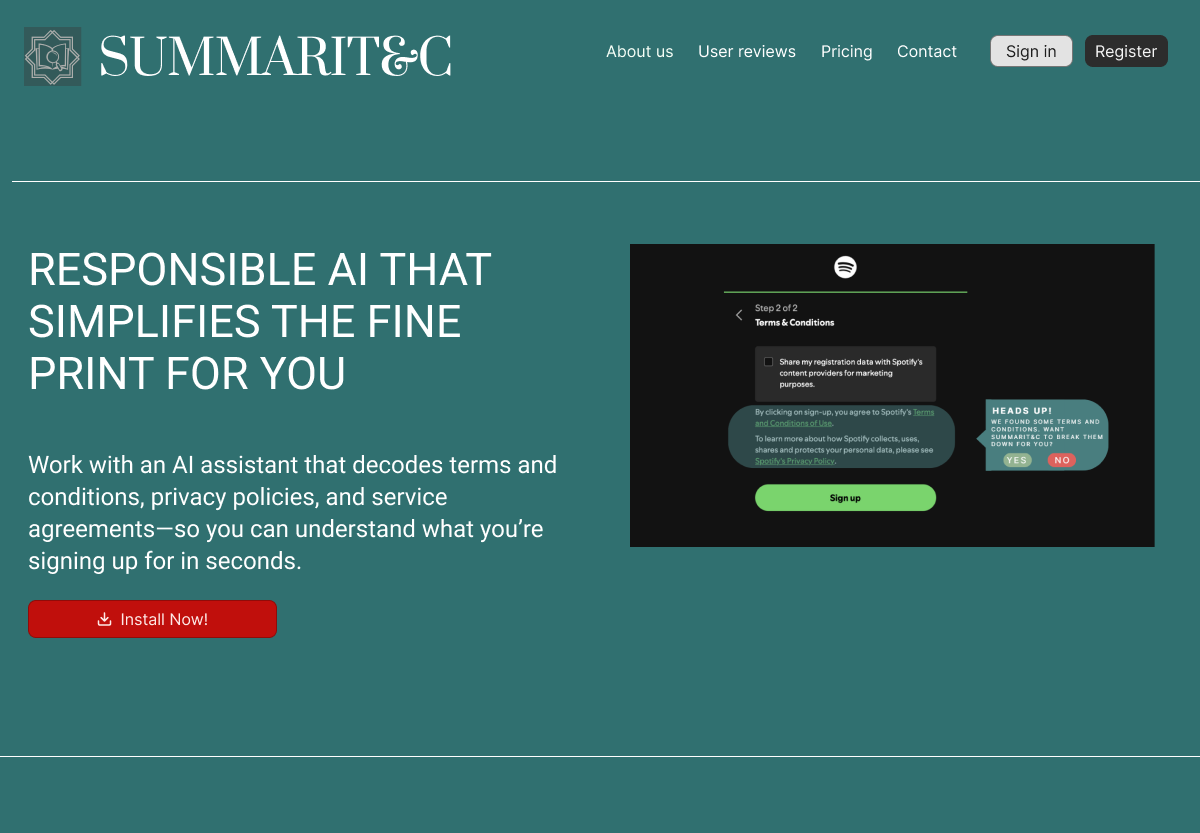
The landing page became the product demo. Instead of a static screenshot, visitors can click through a realistic Spotify sign-up and the full, real Spotify Terms of Use, and see the extension work on them.
A dedicated “Our approach” section says plainly how scanned terms are used: no data selling, no ad targeting, never used for training. And a small “Not legal advice” line sets honest expectations.
I moved from teal and red to deep green, sage, and a warm gold, with an elegant serif (Playfair Display) paired with a friendly sans-serif (DM Sans), plus a new ampersand logo mark. The goal: legal, but friendly.
04 · The solution
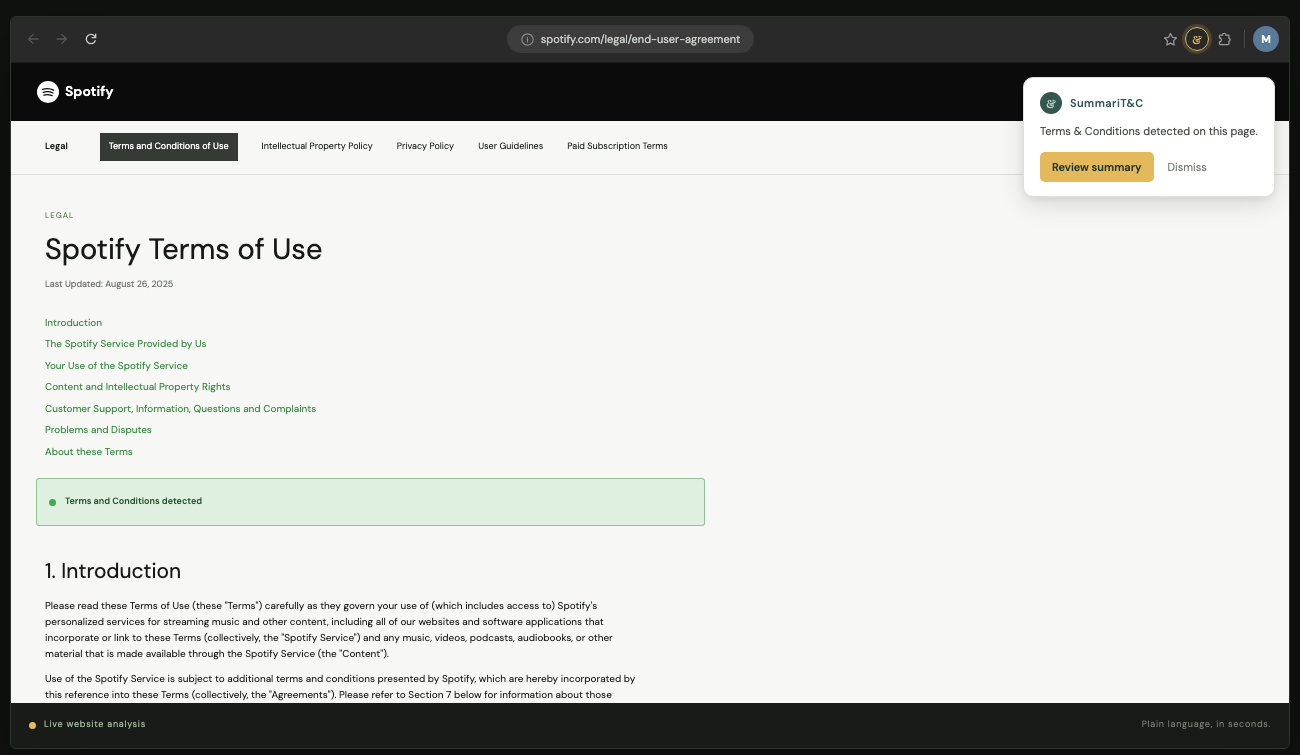
The extension is fully working in Chrome (not yet published on the Chrome Web Store). The showcase site walks through the whole flow on Spotify’s real terms.
Try it yourself
05 · Outcome
The Chrome extension runs end to end, from detecting terms to scoring and explaining them.
An interactive site that lets anyone experience the product without installing anything.
The same core idea from 2023, redesigned with a much stronger focus on clarity and trust.
06 · Reflection
Designing AI is designing trust. The summaries were never the hard part. The real work was making people comfortable relying on them, which is why linking every claim back to the source clause became the heart of the redesign.
Real content beats placeholder content. Designing around Spotify’s actual terms showed me problems that fake text never would, like how long real clauses are and how much the risks vary.
What I’d do differently: document the process as I go. Between 2023 and now I made many decisions in my head and in quick iterations, and I wish I had saved more sketches, versions, and the reasons behind each change.